As a freelancer, you are both the boss and the employee. This unique position creates a critical dilemma: if you don’t meticulously track your time, you are directly leaving money on the table and operating your business in the dark. Yet, many time tracking apps are clunky, complicated, or designed for large corporate teams, making them a chore to use. The truth is, the best time tracking tool is the one you don’t forget—or hate—to use. This guide cuts through the noise to present a curated list of the best time tracking apps designed specifically for freelancers, focusing on simplicity, powerful reporting, and seamless invoicing.
Why Every Freelancer Needs to Track Their Time
Many freelancers think of time tracking as just a way to bill hourly clients. But it’s much more than that; it’s the most fundamental form of business intelligence you can gather.
- Accurate Invoicing: The most obvious benefit. Ensure you are paid fairly for every minute of your work, including small tasks like emails and revisions.
- Better Project Quoting: When you have historical data on how long similar projects took, you can stop guessing and start creating accurate, profitable quotes for new clients.
- Prove Your Work: Detailed timesheets are your best defense against scope creep and client disputes. They build trust by providing a transparent record of your effort.
- Identify Your Most Profitable Work: By analyzing your reports, you might discover that you’re spending most of your time on your least profitable clients. This data empowers you to focus on high-value work.
The Best Time Tracking Apps for Freelancers
1. Toggl Track – The King of Simplicity
Toggl Track has built its reputation on being the most frictionless and simple way to track time. Its core philosophy is to stay out of your way. With its iconic one-click timer available on desktop, web, and mobile, starting a timer is effortless. It’s designed to make time tracking a background habit rather than a chore, with clever features like idle detection that asks if you want to discard time when you’ve been away from your computer.
Key Features: One-click timer, powerful browser extensions and desktop apps, idle detection, and a built-in Pomodoro timer to help you focus.
Best For: Freelancers who want the simplest, fastest way to track time and prioritize ease of use above all else.
Pros: Extremely easy and fast to use, a generous free plan that’s perfect for solo freelancers.
Cons: Invoicing and project management features are less robust than more integrated competitors.
2. Clockify – The Best Free and Full-Featured Option
Clockify is a rare gem: a surprisingly powerful and full-featured time tracking tool that is 100% free for its core features. Unlike most competitors, its free plan allows for unlimited users, unlimited projects, and unlimited tracking. This makes it an unbeatable starting point for any freelancer. You can track time in a simple timer mode or fill out a timesheet manually at the end of the day.
Key Features: A completely free plan with unlimited tracking, timesheet and calendar views, and basic project budgeting and reporting features.
Best For: Freelancers on a tight budget or those who are just starting out and need a powerful, no-cost solution to manage their time.
Pros: Unbeatable free plan, packed with features that others charge for.
Cons: The interface, while functional, can be slightly less polished and intuitive than paid alternatives like Toggl or Harvest.
3. Harvest – Best for Invoicing and Getting Paid
Harvest excels at closing the loop between tracking your work and getting paid for it. It is designed from the ground up for freelancers and small teams who need to easily turn their billable hours into professional invoices. With integrations for payment gateways like Stripe and PayPal, you can send an invoice and get paid directly through the Harvest platform. It also includes robust expense tracking.
Key Features: A seamless time-to-invoice workflow, integrations with online payment gateways, project budgeting tools, and expense tracking.
Best For: Freelancers who primarily bill by the hour and want a single, all-in-one solution for tracking time, managing expenses, and invoicing clients.
Pros: Excellent and intuitive invoicing and expense tracking features.
Cons: The free plan is quite limited (2 projects, 1 user), making the paid plan almost essential for active freelancers.
4. Timing – The Best for Automatic (Mac-Only) Tracking
Timing is a revolutionary app for Mac-using freelancers who always forget to start and stop their timers. It works silently in the background, automatically tracking which applications, documents, and websites you use throughout the day. At the end of the day, instead of trying to remember what you worked on, you simply drag and drop blocks of time into the correct projects. It’s a game-changer for capturing every billable minute effortlessly.
Key Features: Automatic background time tracking (no start/stop timers), a visual timeline of your day, and powerful rules to auto-categorize your activity.
Best For: Mac-using freelancers who hate manual timers and want a complete, effortless, and private record of their workday.
Pros: Effortless automatic tracking provides incredible insights into your real productivity.
Cons: It’s a Mac-only application and requires a paid subscription. If you’re a Mac user, see our comparison of the M2 MacBook Pro vs M3.
5. Trello (with Power-Ups) – Best for Project-Based Tracking
For the thousands of freelancers who already live inside Trello to manage their projects, adding a time tracking “Power-Up” is the most seamless way to integrate time tracking into an existing workflow. Tools like Everhour offer Power-Ups that allow you to track time directly on your Trello cards. This means you never have to leave the application you’re already using to manage your tasks.
Key Features: Time tracking embedded directly on Trello cards, visual project estimates and budgets within Trello, and reporting inside the Trello interface.
Best For: Freelancers who are heavy Trello users and want to keep their project management and time tracking all in one place.
Pros: Excellent integration with your existing project management workflow.
Cons: Requires a commitment to the Trello ecosystem and the Power-Up often requires its own separate subscription. For a full breakdown of project management tools, check out our Asana vs Trello vs Notion comparison.
Time Tracking App Feature Comparison
| App | Best For | Key Feature | Invoicing | Free Plan | Starting Price |
|---|---|---|---|---|---|
| Toggl Track | Simplicity | One-Click Timer | Basic | Excellent | $9/mo |
| Clockify | Budget | Unlimited Free Plan | Basic | Excellent | Free |
| Harvest | Invoicing | Time-to-Invoice | Excellent | Limited | $12/mo |
| Timing | Automatic Tracking | No Timers Needed | ✖ | ✖ (Trial) | ~$8/mo |
| Trello Power-Up | Trello Users | Direct Integration | Varies | Varies | Varies |
How to Build a Time Tracking Habit That Sticks
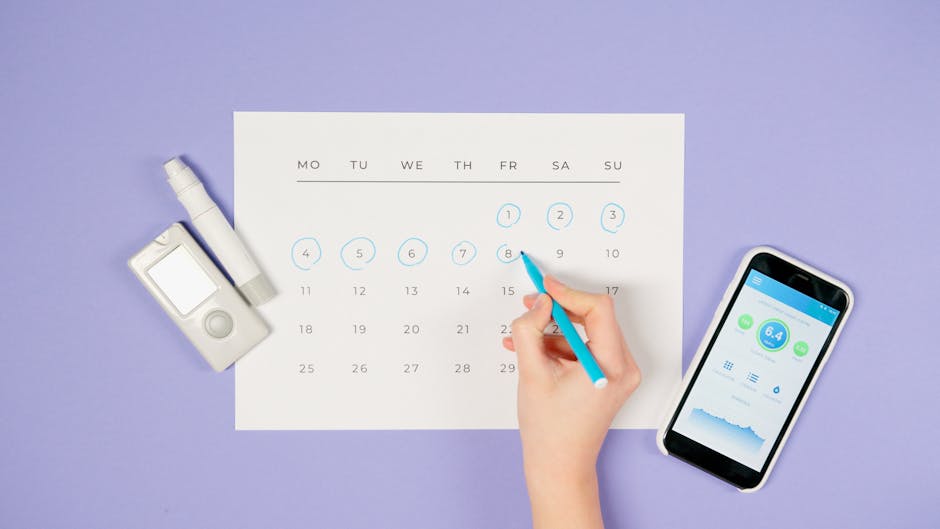
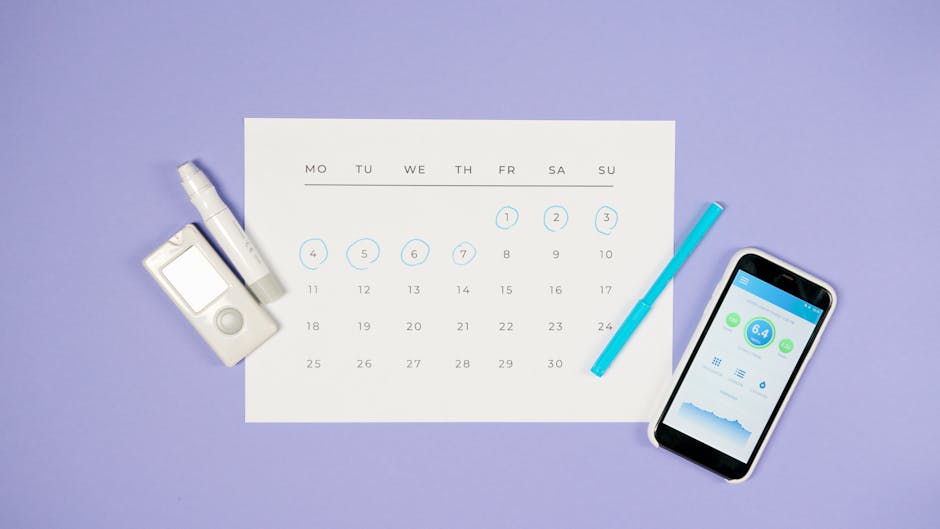
- Integrate it Into Your Workflow: Use the desktop and browser extensions so the timer is always just a click away. The less friction, the better.
- Be Specific: Don’t just track “Client Work.” Track “Client A – Website Mockup,” “Client A – Revision Call,” etc. This specificity is what gives you valuable data.
- Review Your Data: Set aside 15 minutes at the end of each week to look at your reports. Are you spending time on the right things? Are any projects taking longer than you quoted?
- Forgive Yourself: You will forget to track your time. Everyone does. Don’t let it derail your habit. Just make a manual entry for the time you missed and start a new timer.
Frequently Asked Questions (FAQ)
Should I tell my clients I’m using a time tracker?
Yes, it’s a great practice for transparency. Letting them know you track all your hours and can provide detailed reports builds trust and justifies your invoices.
What’s the difference between billable and non-billable hours?
Billable hours are time spent on direct client work that you will invoice for. Non-billable hours are time spent on your own business, like marketing, admin, or writing proposals. You should track both to get a true sense of your profitability.
How do I handle tracking small, 5-minute tasks?
This is where a good tool shines. A tool like Toggl makes it easy to quickly start a timer for “Client B – Quick Email Response” and then stop it. These small chunks of time can add up to hours by the end of the month.
Can these apps track my screen or keystrokes?
The apps recommended here are designed for personal productivity and do not have invasive employee monitoring features like keystroke logging or random screenshots. They track time based on timers you control or, in Timing’s case, the apps and documents you use privately on your own machine.
The Verdict: Take Control of Your Time
Time tracking is a foundational habit for any serious freelancer. It’s the practice that separates amateurs from professionals. It empowers you to charge what you’re worth, quote projects with confidence, and build a more profitable and sustainable business. Take control of your most valuable asset—your time.
- To Just Get Started (Simple & Free): Choose Toggl Track or Clockify. You can’t go wrong.
- To Connect Tracking Directly to Invoicing: Choose Harvest.
- If You Always Forget to Start a Timer (Mac users): Invest in Timing. It will pay for itself.