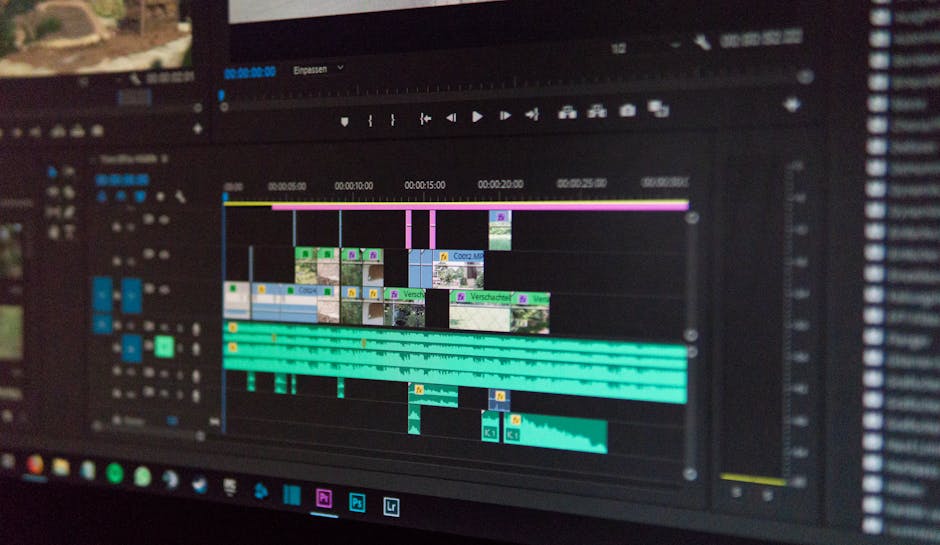
From viral TikToks to cinematic short films, video content dominates the digital landscape. It has become the most powerful way to tell stories, share ideas, and engage audiences. But with this explosion in video creation comes a critical question: what software should you use? The market is saturated with options, making it incredibly difficult to know where to start or whether to invest your hard-earned money. This guide will cut through the confusion, offering a clear comparison of the best free and paid video editing software to help you find the perfect match for your creative ambitions and budget.
How to Choose the Right Video Editor for You
Before diving into the specific tools, it’s important to ask yourself a few core questions. The “best” software is subjective and depends entirely on your unique situation.
- What kind of videos will you be making? Editing a 30-second social media clip has very different requirements than editing a feature-length documentary.
- What is your skill level? Are you a complete beginner who needs a simple, intuitive interface, or a seasoned pro who requires advanced features?
- What is your budget? Are you looking for a powerful free tool, or are you willing to invest in a professional subscription?
- What computer are you using? Your hardware is a major factor. Some programs are optimized for specific operating systems or require powerful specs to run smoothly. For more on this, see our guide on Windows vs MacBook: Best Laptop for Developers?
The Best Paid Video Editing Software: The Professional’s Toolkit
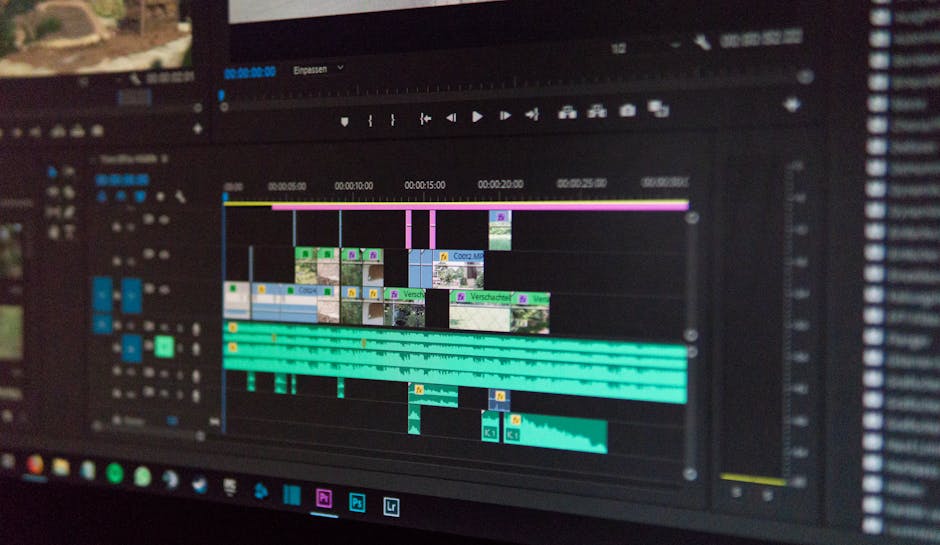
1. Adobe Premiere Pro – The Industry Standard
When you think of professional video editing, you probably think of Premiere Pro. It’s the go-to choice for countless filmmakers, television editors, and top-tier content creators for a reason. Its powerful, flexible timeline and seamless integration with other Adobe Creative Cloud apps (like After Effects and Photoshop) create an unrivaled professional workflow.
Key Features: Advanced multi-cam editing, industry-leading color correction tools (Lumetri Color), an extensive library of built-in effects, and robust audio editing capabilities.
Best For: Professionals, serious YouTubers, and anyone needing a feature-complete, collaborative workflow.
Pros: Unmatched integration with Creative Cloud, vast feature set, runs on both Windows and Mac.
Cons: The subscription model can be costly over time, and it can be demanding on system resources.
2. Final Cut Pro – The Apple Ecosystem Champion
For Mac users, Final Cut Pro is a dream come true. It is celebrated for its breathtaking performance and rendering speeds, which are highly optimized for Apple’s M-series chips. Its innovative Magnetic Timeline is a game-changer for many, allowing for faster, more fluid editing by automatically preventing clip collisions and gaps.
Key Features: Magnetic Timeline 2, superior performance on Mac hardware, 360-degree video editing, and excellent media organization tools.
Best For: Mac users, content creators who prioritize speed and workflow efficiency.
Pros: Incredible speed, intuitive interface, one-time purchase fee (no subscription).
Cons: It’s exclusive to macOS, which is a deal-breaker for Windows users. Considering an upgrade? See our analysis: M2 MacBook Pro vs M3: Is the Upgrade Worth It?
3. DaVinci Resolve Studio – The All-in-One Post-Production Powerhouse
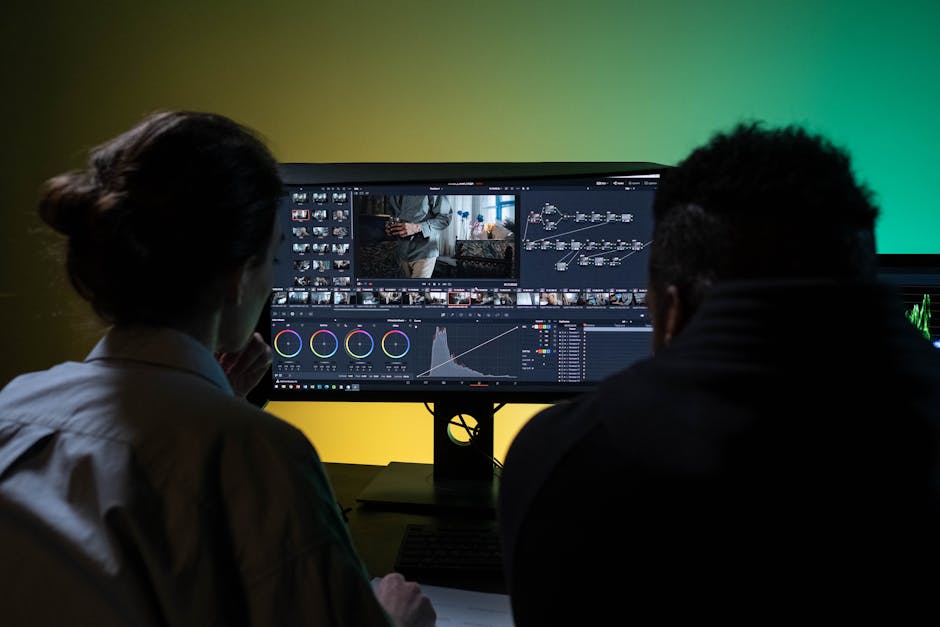
DaVinci Resolve started as the industry standard for Hollywood-level color grading and has since evolved into a full-fledged, all-in-one post-production suite. It combines professional editing, color correction, visual effects (Fusion), and audio post-production (Fairlight) into a single application. The paid “Studio” version unlocks even more powerful AI tools and effects.
Key Features: World-class color grading, node-based VFX compositing (Fusion), professional audio mixing tools (Fairlight), and advanced collaborative workflow features.
Best For: Colorists, aspiring filmmakers, and editors who want a powerful, integrated, end-to-end solution.
Pros: Incredible value for a one-time purchase, combines four professional tools in one.
Cons: The learning curve for its advanced modules (especially Fusion and Fairlight) can be very steep.
The Best Free Video Editing Software: Powerful Tools Without the Price Tag
1. DaVinci Resolve (Free Version) – The Unbeatable Free Powerhouse
This isn’t a typo. The free version of DaVinci Resolve is so powerful it deserves its own spot. It contains roughly 95% of the features found in the paid Studio version, making it, without a doubt, the most capable free video editor on the planet. It’s a full professional suite, available at no cost.
Key Features: Professional timeline editing, advanced color correction wheels, basic Fusion VFX, and Fairlight audio tools.
Best For: Anyone serious about learning the craft of video editing without a budget.
Pros: Unmatched feature set for a free tool, no watermarks, completely professional workflow.
Cons: Requires a powerful computer to run smoothly. A good PC is essential; check out our Best Budget Gaming PC Builds Under $1,000 for ideas.
2. CapCut (Desktop Version) – Best for Social Media & Quick Edits
From the creators of TikTok, CapCut’s desktop app is a marvel of simplicity and power. It’s designed from the ground up to help you create engaging, trend-worthy social media content with incredible speed. Features that are complex in other editors, like generating accurate captions, are just a single click away.
Key Features: AI-powered auto-captions, a huge library of trending effects and filters, easy text-on-screen tools, and a built-in royalty-free music library.
Best For: TikTokers, Instagram Reels creators, and beginners who want polished results fast.
Pros: Extremely easy to use, packed with social-media-focused features, fast performance.
Cons: Less suited for long-form, cinematic projects that require precise control.
3. Kdenlive – Best Open-Source Option
For fans of free and open-source software (FOSS), Kdenlive is a fantastic and flexible choice. It runs on Linux, Windows, and macOS, and offers a surprising amount of power and customization. It supports a wide range of formats and includes features like proxy editing, which helps you edit high-resolution footage smoothly even on less powerful computers.
Key Features: Multi-track timeline, highly customizable interface, a wide range of built-in effects and transitions, and proxy editing capabilities.
Best For: Linux users, hobbyists, and anyone who values the principles of open-source software.
Pros: Completely free forever, highly flexible, strong community support.
Cons: The interface can feel less polished, and it may occasionally be less stable than its commercial counterparts.
At a Glance: Free vs. Paid Software Comparison
| Feature | Free Editors (General) | Paid Editors (General) |
|---|---|---|
| Watermarks | Usually none (on the best ones) | None |
| Advanced Features (AI, etc.) | Limited or non-existent | Extensive and cutting-edge |
| Collaboration | Very basic or none | Advanced, cloud-based workflows |
| Technical Support | Community forums | Dedicated, professional support |
| Export Quality/Formats | Good, but may have limitations | Professional codecs and full control |
| Plugin Support | Limited or none | Vast ecosystem of third-party plugins |
Frequently Asked Questions (FAQ)
Can I really make professional-looking videos with free software?
Absolutely. With a tool like DaVinci Resolve, the only limit is your skill, not the software. The fundamentals of storytelling, pacing, and composition are far more important than having the most expensive tool.
Do I need a powerful computer for video editing?
It helps significantly, especially when working with 4K footage or complex effects. However, features like proxy editing in Kdenlive and the efficient performance of CapCut make it possible to edit on less powerful machines.
What’s more important: the camera or the editing software?
While a good camera provides a better starting point, powerful editing can save mediocre footage, whereas poor editing can ruin great footage. They are both crucial, but a skilled editor can work wonders with almost any source material.
Is a subscription (like Adobe’s) better than a one-time purchase (like Final Cut’s)?
This depends on your financial situation and needs. A subscription offers continuous updates and access to a huge ecosystem of tools for a lower initial cost. A one-time purchase can be more cost-effective in the long run but may require paying for major version upgrades down the line.
Our Verdict: Which Video Editor Should You Choose?
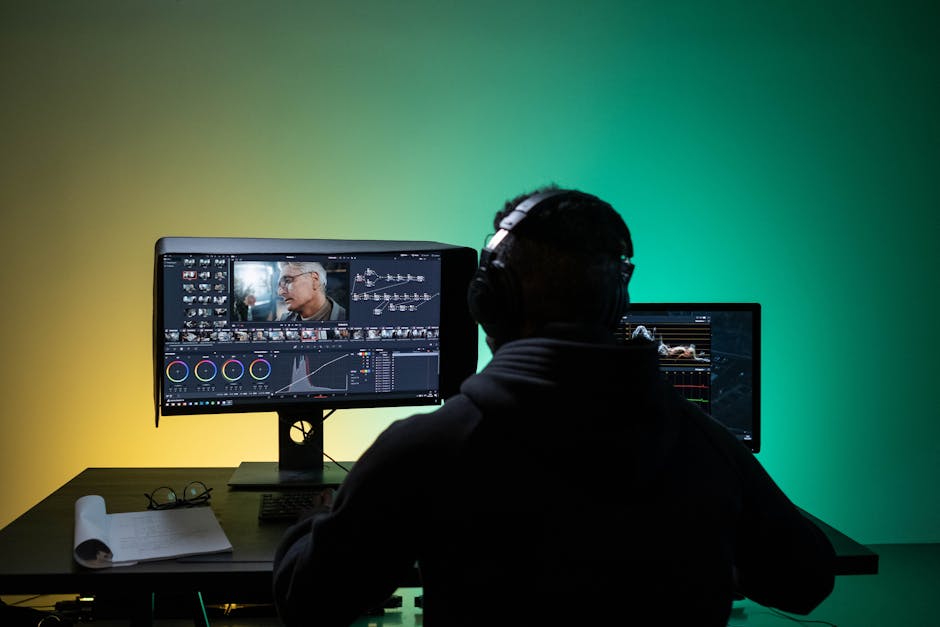
The perfect video editor is the one that best fits your workflow, budget, and creative goals. Don’t get caught up in having the “best” tool; focus on finding the right tool for you and mastering it.
- For the Absolute Beginner or Social Media Guru: Start with CapCut. It’s free, fun, and you’ll get amazing results in minutes.
- For the Aspiring Filmmaker on a Budget: Download DaVinci Resolve (Free). It’s a true professional application that will grow with you as your skills develop.
- For the Professional Content Creator: Invest in the ecosystem that suits you best. Choose Adobe Premiere Pro for cross-platform flexibility or Final Cut Pro for unmatched speed on a Mac.