
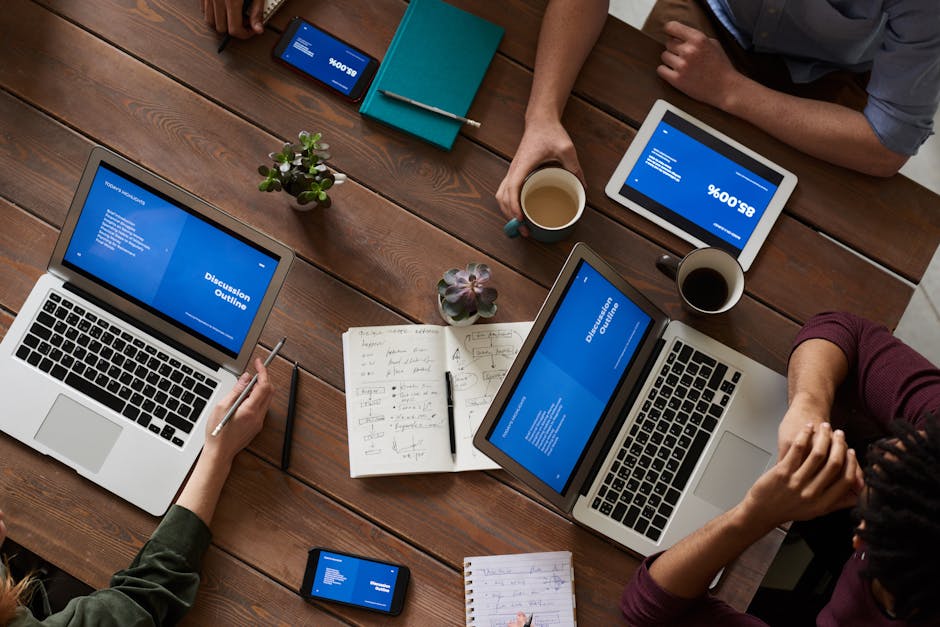
The dream of a tablet that can truly replace your laptop is closer than ever to reality. For Android users, a new generation of powerful tablets, equipped with desktop-class software and powerful accessories, is transforming what’s possible on a mobile device. But not all Android tablets are created equal. Many are designed primarily for watching movies and browsing social media, with weak processors and poor multitasking capabilities. This guide cuts through the noise to highlight the best Android tablets specifically designed for productivity, focusing on the features that matter for getting real work done.
What Makes a Tablet Good for Productivity?
When you’re shopping for a work-focused tablet, you need to look beyond the basic specs and focus on these four key areas.
- A Powerful Processor and Ample RAM: For a smooth, lag-free experience when juggling multiple apps, you need a flagship-level processor and at least 8GB of RAM.
- A High-Quality Stylus and Keyboard Cover: These are non-negotiable accessories. A good stylus is crucial for digital note-taking, signing documents, and precision tasks, while a keyboard cover is necessary for typing long emails and documents.
- A Desktop-Like Software Experience: This is the most important differentiator. Features like Samsung’s DeX mode, which transforms the standard Android interface into a familiar desktop environment with a taskbar and windowed apps, are game-changers for productivity.
- A Great Display: A large, bright, high-resolution screen is essential for having multiple apps open side-by-side and for reducing eye strain during long work sessions.
The Top Android Tablets for Getting Work Done
1. Samsung Galaxy Tab S9 Ultra – The Uncompromising Powerhouse
The Galaxy Tab S9 Ultra is the absolute pinnacle of Android productivity. Its massive 14.6-inch Dynamic AMOLED display is a stunning canvas for multitasking, providing more screen real estate than many laptops. It’s powered by the latest Snapdragon processor, meaning it can handle any app or workflow you throw at it. Crucially, the best-in-class S Pen stylus is included right in the box, and the advanced DeX mode provides the most mature and capable desktop-like experience on any tablet.
Key Features: A huge 14.6-inch Dynamic AMOLED 2X display, a powerful Snapdragon for Tablets processor, the S Pen included in the box, and advanced DeX mode capabilities.
Best For: Professionals, digital artists, and anyone who wants the absolute best, biggest, and most powerful Android tablet on the market, with no compromises.
This tablet pairs perfectly with Samsung’s flagship phone. See our review of the Top 5 Flagship Smartphones.
2. Google Pixel Tablet – The Smart Home Hub
The Google Pixel Tablet takes a unique and clever approach to the tablet market. It comes with a magnetic speaker dock that, when attached, transforms the tablet into a smart home hub, similar to a Google Nest Hub. It can display photos, control your smart home devices, and play music with surprisingly rich sound. As a productivity device, it offers the cleanest version of Android, free from bloatware, and is perfectly optimized for Google’s suite of apps like Docs, Sheets, and Meet.
Key Features: A clean, stock Android experience, a unique speaker dock for charging and smart display functionality, and a powerful Google Tensor G-series chip.
Best For: Users who are heavily invested in the Google and smart home ecosystem and want their tablet to be a useful device even when they’re not actively working on it.
3. OnePlus Pad – The Value and Performance Leader
The OnePlus Pad delivers a near-flagship experience for a mid-range price, making it the value champion on this list. It stands out with a unique 7:5 aspect ratio display, which is taller than the typical widescreen tablet. This makes it exceptionally good for reading, writing, and viewing documents, as it more closely mimics the shape of a standard piece of paper. The performance is incredibly fast and smooth, and the battery life is excellent.
Key Features: A high-refresh-rate 7:5 aspect ratio display, fast and smooth performance, excellent battery life with very fast charging.
Best For: Students and professionals looking for the best value for their money and a screen that is optimized for document-based work.
4. Lenovo Tab P12 Pro – The Multimedia Marvel
The Lenovo Tab P12 Pro is a fantastic all-around tablet that excels at both work and play. It features a beautiful and vibrant OLED display and a powerful quad-speaker system tuned by JBL, making it a joy for watching movies and listening to music. For productivity, its “Project Unity” feature is a standout, allowing the tablet to seamlessly and wirelessly connect to your Windows laptop and function as a second screen with full touch and pen support.
Key Features: A stunning OLED display, a powerful quad-speaker system, and the “Project Unity” feature for using it as a wireless second display.
Best For: Users who want a single device that is equally great for getting work done and for media consumption.
Android Productivity Tablet Comparison
| Tablet | Best For | Screen Size | Key Feature | Starting Price |
|---|---|---|---|---|
| Galaxy Tab S9 Ultra | Power Users | 14.6″ | DeX Mode & S Pen | $$$$$ |
| Pixel Tablet | Smart Home Users | 11″ | Speaker Dock | $$$ |
| OnePlus Pad | Value | 11.6″ | 7:5 Aspect Ratio | $$ |
| Lenovo Tab P12 Pro | Multimedia | 12.6″ | OLED Display | $$$ |
Can an Android Tablet Really Replace Your Laptop?
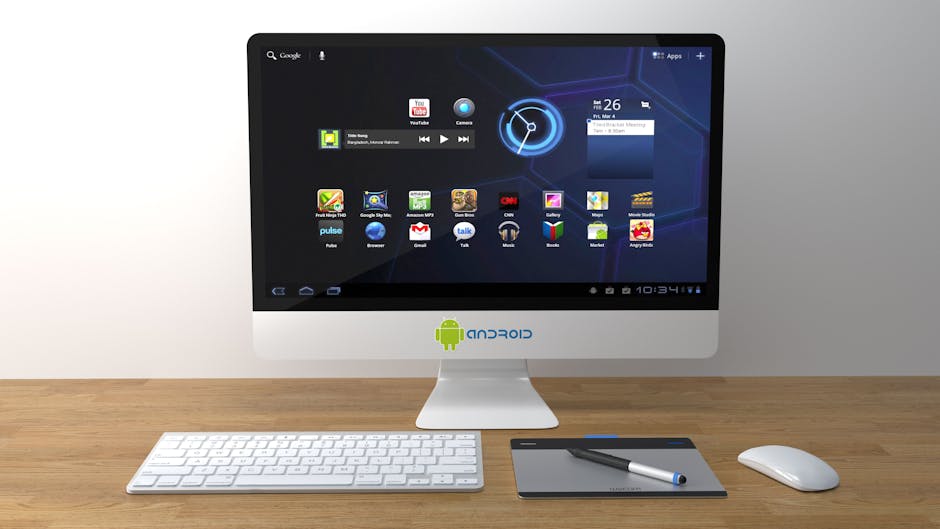
This is the ultimate question. For many common tasks—web browsing, responding to emails, writing documents, attending video calls, and media consumption—the answer is a resounding yes. A high-end Android tablet with a keyboard case can handle these tasks with ease. However, for workflows that require specialized, desktop-only software (like certain programming IDEs, professional video editing suites, or complex scientific applications), a traditional laptop is still a necessity.
For those who need the full power of a traditional computer, check out our guide to the Best Laptops for Programming & Coding.
Frequently Asked Questions (FAQ)
What is Samsung DeX and how does it work?
Samsung DeX (Desktop Experience) is a software platform that transforms the standard Android UI into a desktop-like environment when you connect a keyboard and mouse. It gives you a taskbar, resizable windows, and a more familiar multitasking experience.
Are the keyboard covers for these tablets any good for typing?
They have improved dramatically. While they may not match the feel of a dedicated mechanical keyboard, the official keyboard covers from Samsung and Lenovo offer a surprisingly comfortable and tactile typing experience suitable for long-form writing.
Can I use a mouse with an Android tablet?
Yes. Android has full support for Bluetooth and USB mice. When you connect a mouse, a familiar cursor will appear on the screen, making it much easier to navigate spreadsheets and perform precision tasks.
Which productivity apps are best on Android?
The Google Workspace and Microsoft 365 suites are both excellent on Android tablets. For note-taking and organization, apps like Notion and Evernote are top-tier choices.
For a deep dive on productivity apps, see our comparison of Notion vs Evernote for Mobile.
The Verdict: A New Era for Mobile Productivity
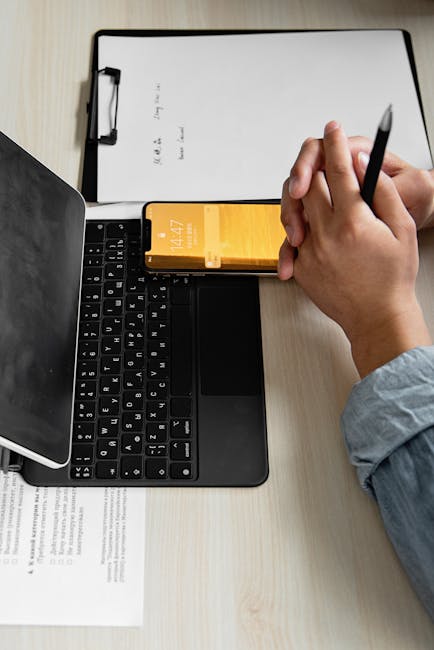
The best Android tablets of 2025 are no longer just oversized phones for watching Netflix. With powerful processors, innovative software features like DeX, and high-quality accessories, they have become legitimate productivity devices that can capably handle the majority of a modern professional’s daily workflow.
- The Ultimate Power User’s Choice: The Samsung Galaxy Tab S9 Ultra is in a class of its own.
- The Best Value for Money: The OnePlus Pad offers a premium experience for a mid-range price.
- The Smart Home Enthusiast’s Pick: The Google Pixel Tablet is the most versatile tablet when you’re not working.