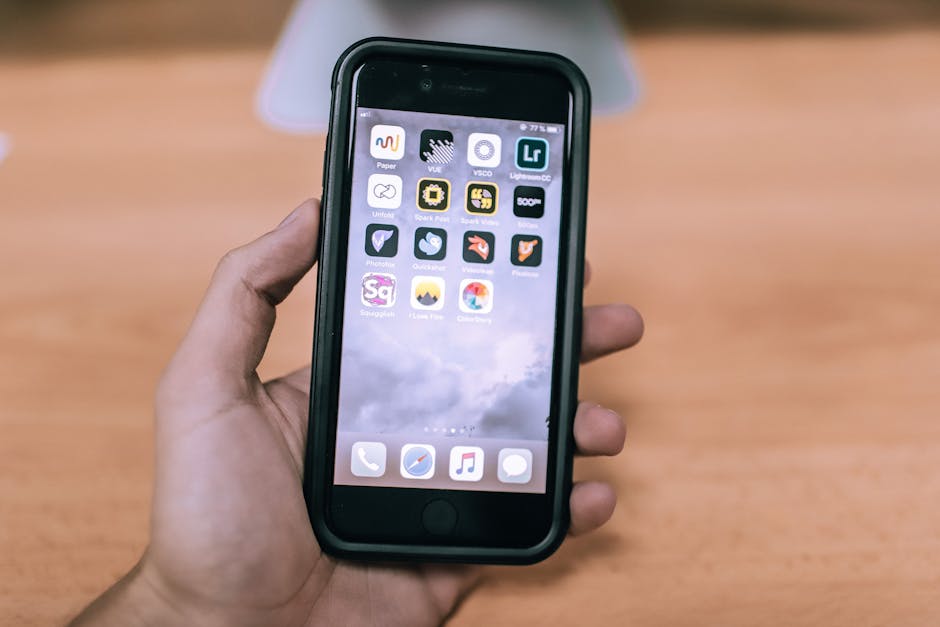
The camera on the latest iPhone is an astonishingly powerful piece of technology, capable of capturing incredible detail, color, and light. But the secret that separates a good snapshot from a truly breathtaking photograph often lies in the edit. The App Store has thousands of photo editors, ranging from simple one-tap filter apps to complex, professional-grade tools that mirror their desktop counterparts. This guide will help you navigate the options and find the perfect app for your skill level and creative vision.
The latest iPhones have incredible cameras. See our review of the Top 5 Flagship Smartphones to learn more.
The One You Already Have: The Built-in Photos App
Before you download anything, it’s worth exploring the powerful editing tools that Apple has built directly into the iOS Photos app. For most people, it’s more than capable. You can tap “Edit” on any photo to access a surprisingly robust suite of tools, including an “Auto” enhance button, sliders for exposure, contrast, highlights, shadows, and saturation, as well as excellent cropping and straightening tools. For quick, basic adjustments, it’s fantastic.
Best For: Quick, simple edits and anyone who doesn’t want to download another app.
The Best for One-Tap Filters and Quick Edits
1. VSCO
VSCO is famous for its beautiful, subtle, and film-like presets (filters). It’s the go-to app for millions of users who want to create a consistent, curated, and aesthetic look for their photos, especially for sharing on social media like Instagram. While it has basic editing sliders, its main strength is its huge library of professional-grade presets that can transform your photo with a single tap.
Key Features: A massive library of subtle, high-quality presets; basic editing tools for fine-tuning; and a creative community to share your work with.
Best For: Instagrammers, bloggers, and anyone who wants to achieve a specific, artistic look quickly and easily.
2. Snapseed (from Google)
Snapseed is a legendary photo editor from Google, and for good reason: it’s completely free, has no ads, and is packed with professional-grade tools. It offers a unique and intuitive interface where you swipe vertically on a photo to select an editing tool (like “Brightness” or “Ambiance”) and then swipe horizontally to adjust its strength. It has everything from basic tuning to advanced features like a healing brush for removing objects and selective adjustments.
Key Features: A huge range of tools, non-destructive editing (so you can always go back), and advanced features like Curves and Selective Adjustments, all for free.
Best For: Anyone who wants a powerful, full-featured photo editor without paying a single penny.
The Best for Professional-Grade, Advanced Editing
3. Adobe Lightroom Mobile
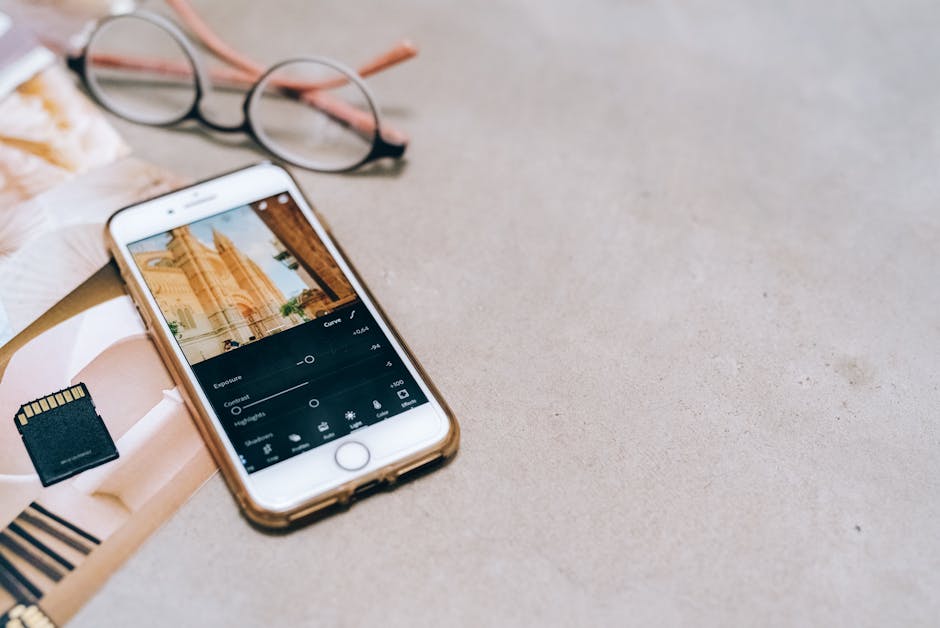
Adobe Lightroom is the industry standard for professional photographers on the desktop, and the mobile app brings much of that power to your iPhone. It’s an all-in-one editor and organizer that syncs seamlessly with the desktop version via the Adobe Creative Cloud. It offers the most precise control over every aspect of your image, from professional color grading tools like the Color Mixer and Tone Curve to advanced masking tools that let you edit specific parts of your photo.
Key Features: Professional color grading tools, selective adjustments with AI-powered masking, cloud syncing with Lightroom Classic, and the ability to create and import your own presets.
Best For: Professional photographers, serious hobbyists, and anyone already invested in Adobe’s photography ecosystem.
4. Darkroom
Darkroom is a beautiful and powerful photo editor that feels like it was designed by Apple itself. It offers pro-level tools like Curves and selective color adjustments (HSL) but presents them in a clean, intuitive, and user-friendly interface that is a joy to use. It also has excellent video editing capabilities, allowing you to apply the same color grades to your videos as you do to your photos for a consistent look.
Key Features: Pro-level tools like Curves and HSL, batch editing to apply edits to multiple photos at once, full RAW photo support, and video color grading.
Best For: Users who want professional-grade editing tools in a more beautiful and intuitive package than Lightroom.
The Best for Creative Effects and Retouching
5. TouchRetouch
This app has one job, and it does it perfectly: removing unwanted objects from your photos. Whether it’s a distracting power line in your landscape shot, a photobomber in your travel picture, or a temporary skin blemish in a portrait, TouchRetouch can remove it with a simple brush stroke. Its algorithms are incredibly intelligent and make the process feel like magic.
Key Features: Intelligent object removal, a specific tool for removing lines, and a blemish remover for portraits.
Best For: Anyone and everyone. It’s an essential utility for cleaning up your photos by removing distracting elements.
iPhone Photo App Comparison
| App | Best For | Key Feature | Price Model |
|---|---|---|---|
| Apple Photos | Quick Basic Edits | Built-in & Free | Free |
| VSCO | Aesthetic Filters | Film-like Presets | Freemium (Subscription) |
| Snapseed | Free Power | Intuitive UI & Pro Tools | Free |
| Lightroom Mobile | Professionals | Pro Color & Masking | Freemium (Subscription) |
| Darkroom | Intuitive Pro Tools | Curves & Video Grading | Freemium (Subscription) |
| TouchRetouch | Object Removal | One-tap Fixes | Paid (One-time) |
The Verdict: Find Your Creative Tool
The best photo editing app is the one that best fits your creative workflow and goals. Whether you need a quick filter to make your photo pop on social media or precise, professional control to perfect every last pixel, there is a perfect app for you on the App Store.
- For Quick, Beautiful Filters: Start with VSCO.
- For the Most Powerful Free Editor: Snapseed is an absolute must-have.
- For the Professional Workflow: Adobe Lightroom Mobile is the undisputed industry standard.